





Best Of
best liquid metal for my laptop acer predator helios neo 16, my temps are just going above 95 degrees just by playing valorant
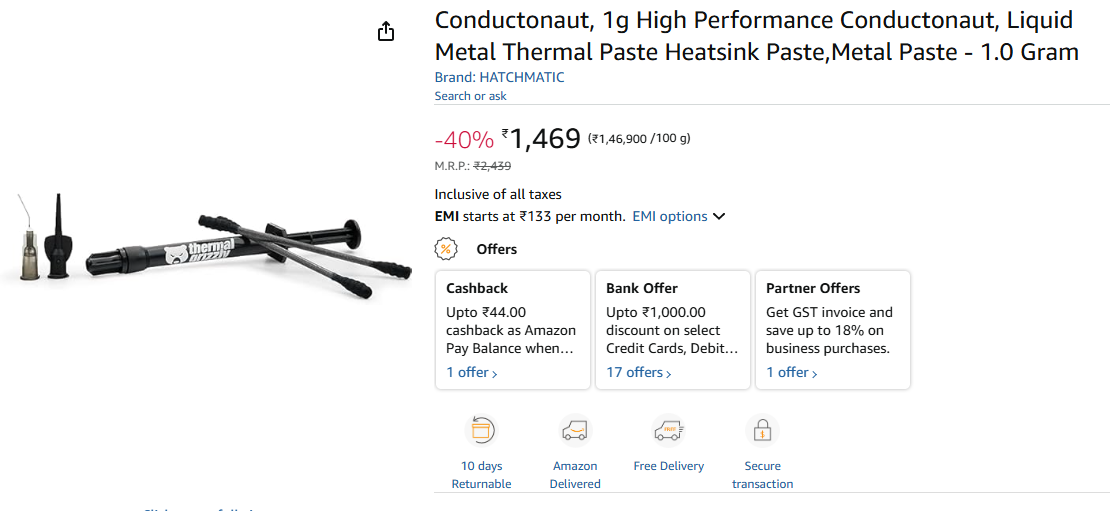
or
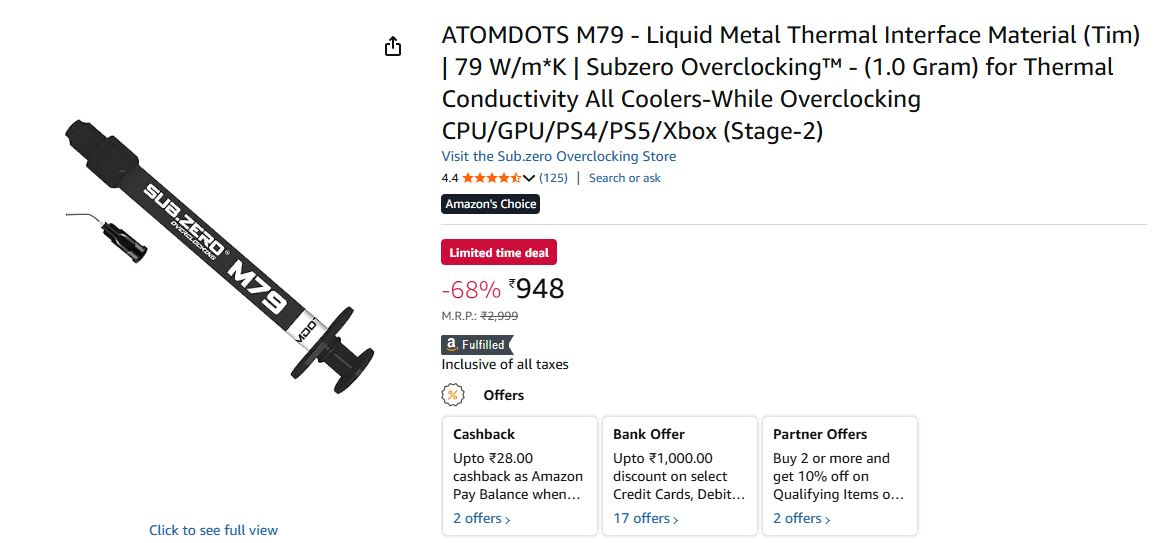
these two are only available in my country through amazon please help
 pratik07
Re: acer swift go 14 oled laptop - Touchpad is not responding in my new acer swift go 14
Much more likely you just have hit the key that turns it off. There are a bunch of different SFG14 models. Your full model number is usually on the same sticker as your serial number, it should look something like SFG14-xxx-xxxx. On most the touchpad toggle is either Fn.F10 or F10 by itself. Depends on whether you are in media or function key mode…
 billsey
Re: "FlexiCharger" Custom Battery Charge is bugged, stuck at current % ( ALG AL15G-52)
Hi bonathomas
It’s best to stop using the old Calibration/Optimization and battery charge limiting tools. In Windows 11 24H2 these features no longer function correctly and can actually interfere with Modern Standby, causing unexpected behavior.
Acer has also removed the battery charge limiting option from the latest firmware and support programs, so it’s no longer officially available.
There is also no real benefit in limiting battery charging. The idea that keeping the battery below 100% significantly extends its lifespan is largely a myth. Modern lithium‑ion batteries are designed to handle being fully charged, and Acer’s firmware already manages charging safely. The most practical approach is simply to leave the USB‑C charger or power adapter plugged in 24/7 and allow the battery to charge to 100% at all times.
 Puraw
Puraw
Re: Acer Predator PH18-72 overheating issue, CPU hits 95C even when Idle
I tried it again and it worked for a couple of minutes before it got hot again.

Which Acer products do you currently use and Acer features that Caught your Attention
Which Acer products do you currently use, and what features do you love about them?
 Matt1007
Re: Predator Helios 16s 5060-Fan not reaching to full speed
Start by updating the Predator Sense software from Acer’s official support site to ensure fan controls are functioning correctly. Next, check for any available BIOS updates on Acer’s support page for your specific model, as these updates can resolve fan curve or speed limitations. If the readings still seem limited, try resetting the fan settings within Predator Sense to their default state and then reapply Max mode. Finally, if the fan speed consistently remains capped at 4800 RPM despite these steps, it’s best to contact Acer support for further diagnostics or firmware assistance.
Click on "Yes" if it answers your question or Click on "Like" if you find my answer useful
 Diya1811





